
Figma → WordPress, done properly
Practical guides on the unglamorous part of shipping WordPress sites: getting images out of Figma and into the Media Library fast, light, and alt-texted.
-
"An Error Occurred in the Upload. Please Try Again Later" — 6 Real Causes
WordPress's vaguest upload message, and that's by design. Not the same fault as "HTTP error." — six real causes, checked fastest first.
-

How to Export Figma to PDF (Frame, Page, or Whole File)
No converter needed — PDF export is built in. The right command for one frame, for a whole page, and the honest answer on FigJam.
-

WordPress "HTTP Error" When Uploading Images — 7 Real Causes and the Fix for Each
Two words, no detail. The 30-second triage that tells memory exhaustion apart from a blocked request, then the seven causes in the order they actually occur.
-

"Post-Processing of the Image Failed" — What Broke and How to Fix It
The upload worked; the resize didn't. Why 2560 pixels is the number in the message, and four fixes ranked by how long each one lasts.
-

"Sorry, This File Type Is Not Permitted for Security Reasons"
Two very different failures share one sentence: a format WordPress won't accept, or a file whose contents disagree with its extension. Plus the honest answer on SVG.
-

"Unable to Create Directory wp-content/uploads. Is Its Parent Directory Writable?"
Five causes, and only one of them is the 755 fix everyone reaches for. Why chmod 777 makes the message go away and the problem worse.
-

"The Uploaded File Could Not Be Moved to wp-content/uploads"
The folder exists and WordPress still can't write to it. Account quota, ownership and open_basedir explain nearly all of it — including the one that hides behind free disk space.
-

"Missing a Temporary Folder" — What PHP Is Actually Complaining About
This one comes from PHP, not WordPress, and the WP_TEMP_DIR fix every article recommends only works for half the cases. Here's which half you're in.
-

How to Export Multiple Layers as One PNG in Figma (Not Separate Files)
Select five layers, hit export, get five files. Export settings attach to layers, never to selections — so one container is how you get one image. Group vs Frame vs Flatten.
-

"No Selected Layers Have Export Settings" — What It Means and How to Fix It
Marking a layer for export and exporting it are two separate steps. The one-click fix, plus six situations where the message appears even though you did mark them.
-

How to Export Multiple Frames as One PDF in Figma (Multi-Page, In Order)
The Export panel gives you one PDF per layer. File → Export frames to PDF gives you one document — with page order decided by where the frames sit on your canvas.
-

Figma Transparent PNG: 5 Reasons Your Export Still Has a Background
Figma can't produce a PNG without an alpha channel — so something put that white box there. The five causes, which formats keep transparency, and the WordPress plugin that quietly destroys it.
-

Figma Colors Don't Match the Website? It's the Color Profile
Vivid on the canvas, flat on the page. It's Display P3 vs sRGB — and the wrong way to fix it silently rewrites every hex code in your design system.
-

Exporting Assets from Figma Dev Mode: What Works, and the One Thing That Doesn't
Dev Mode detects icons for you and hands over original-resolution images — but it can't multi-select, so batch export still means switching back to Design mode.
-
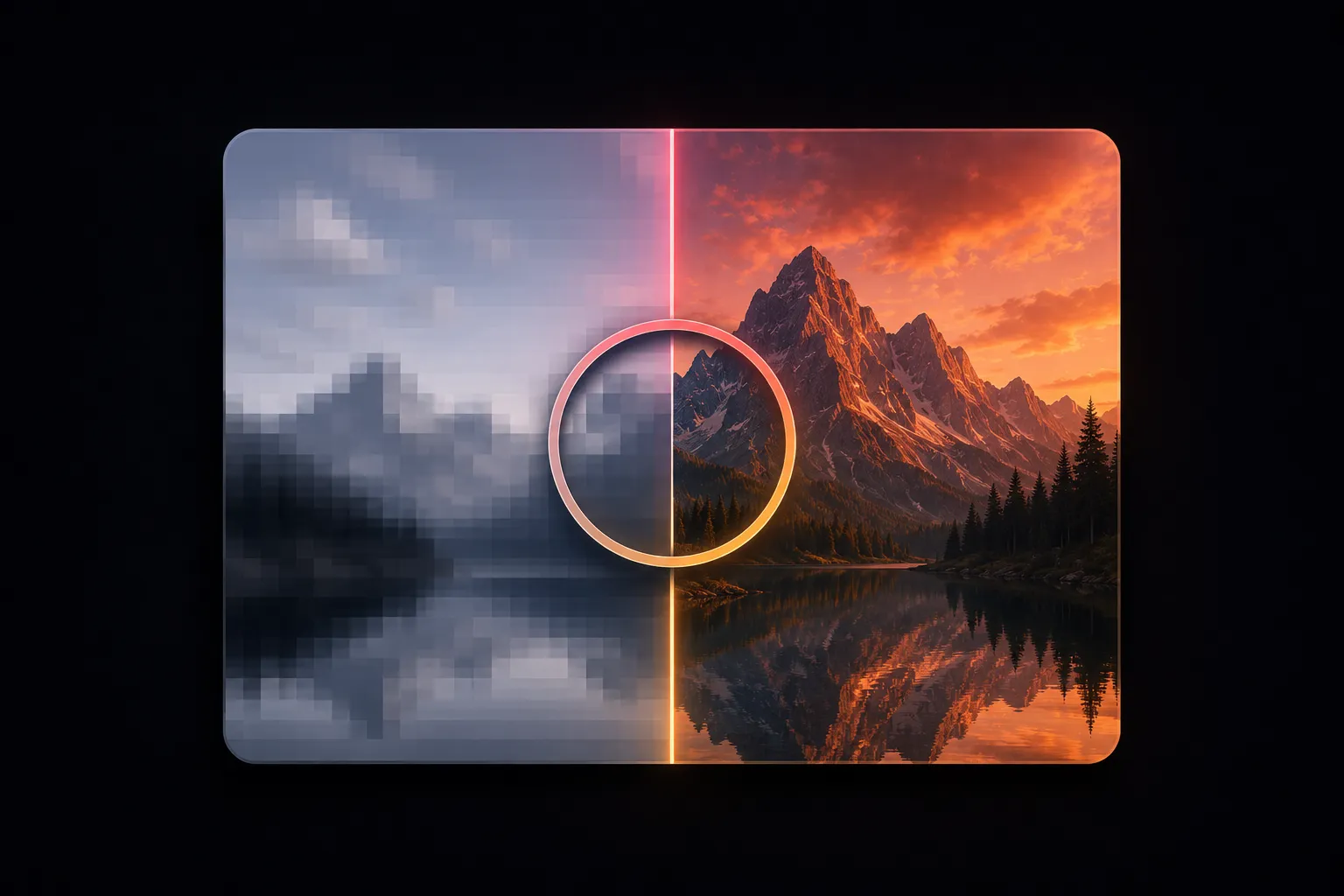
Why Are My Figma Exports Blurry? The Real Fix (and 3 Causes Nobody Mentions)
It's usually a 1x export on a 2x screen — but if 2x didn't fix it, three other things cause the same symptom, including WordPress resizing your image after upload.
-
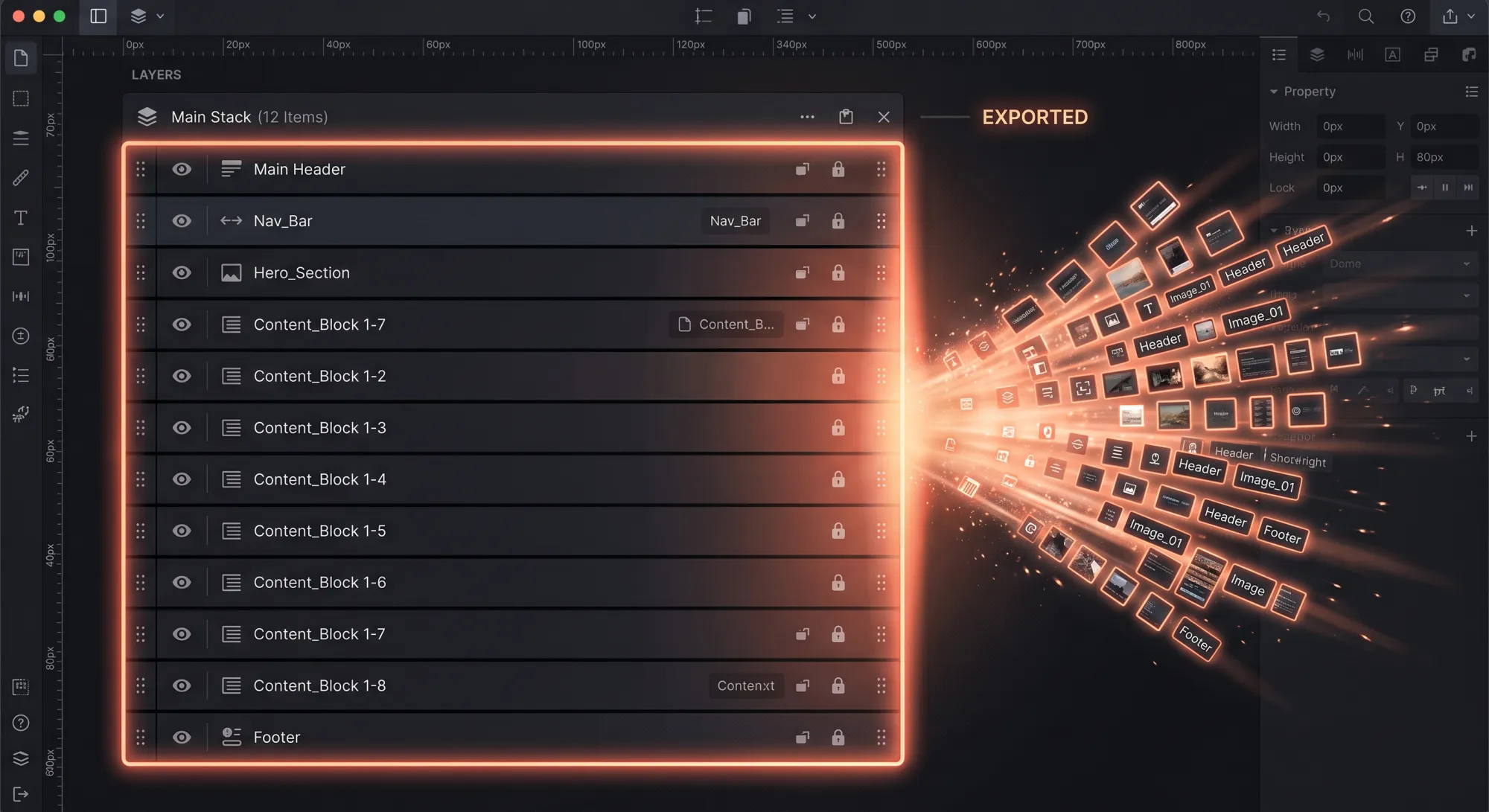
Figma Bulk Export: Every Layer at Once with Shift+Cmd+E
One keystroke exports every marked layer in the file. The batch workflow, the slash trick that builds folders for you, and where it still leaves manual work.
-
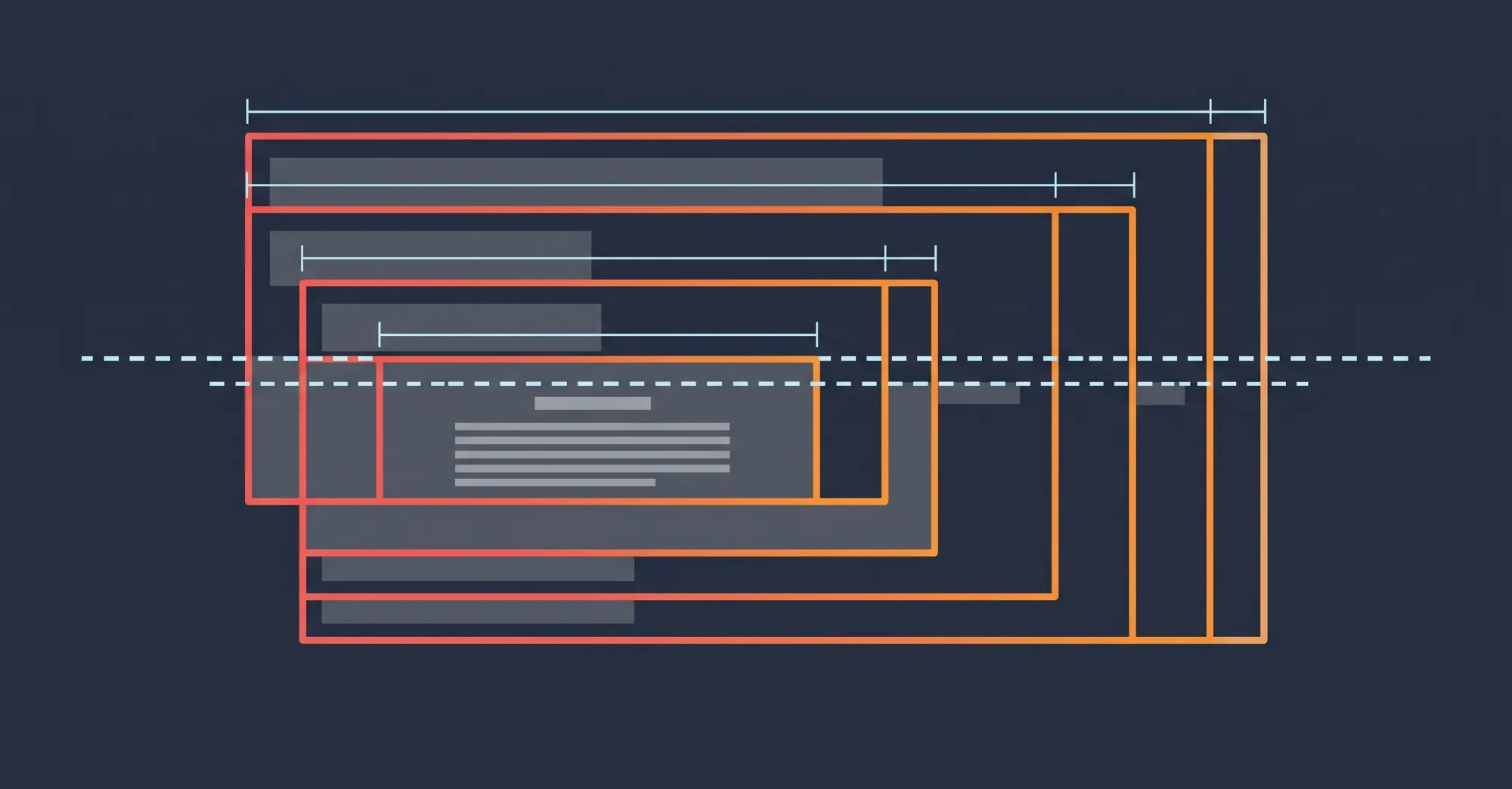
WordPress Image Size Guide: What Dimensions to Export from Figma
Exact export widths for heroes, content images, cards and thumbnails — plus the four sizes WordPress generates behind your back and the 2560px limit that resizes your uploads.
-

"Exceeds the Maximum Upload Size for This Site" — Why It Happens and 4 Ways to Fix It
Where the limit comes from, how to raise it, and why a 6 MB PNG out of Figma means the error is doing you a favour.
-
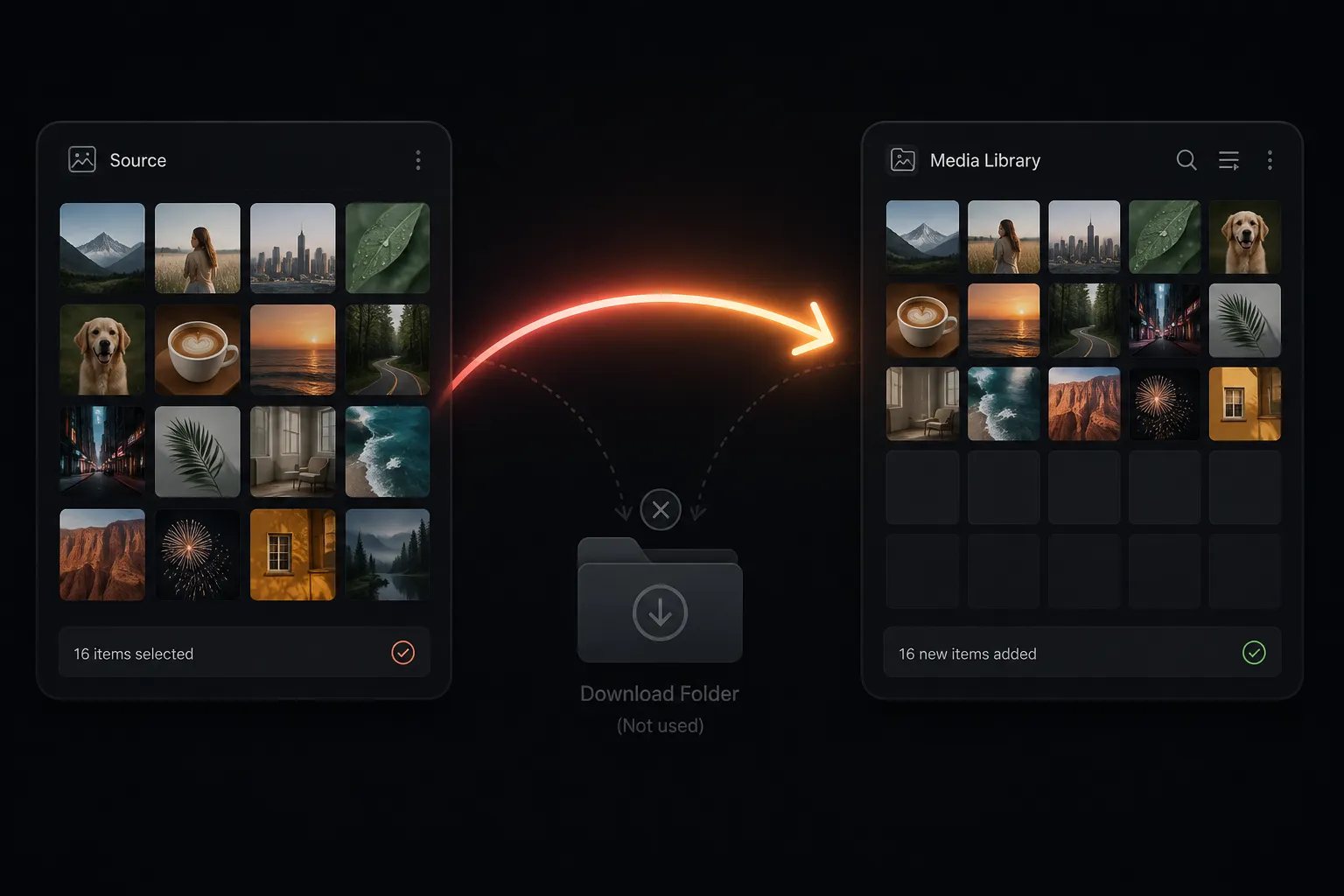
How to Export Images from Figma to WordPress (Without Downloading Anything)
The manual export workflow done right, and the one-click alternative that skips the download step entirely. Start here.
-
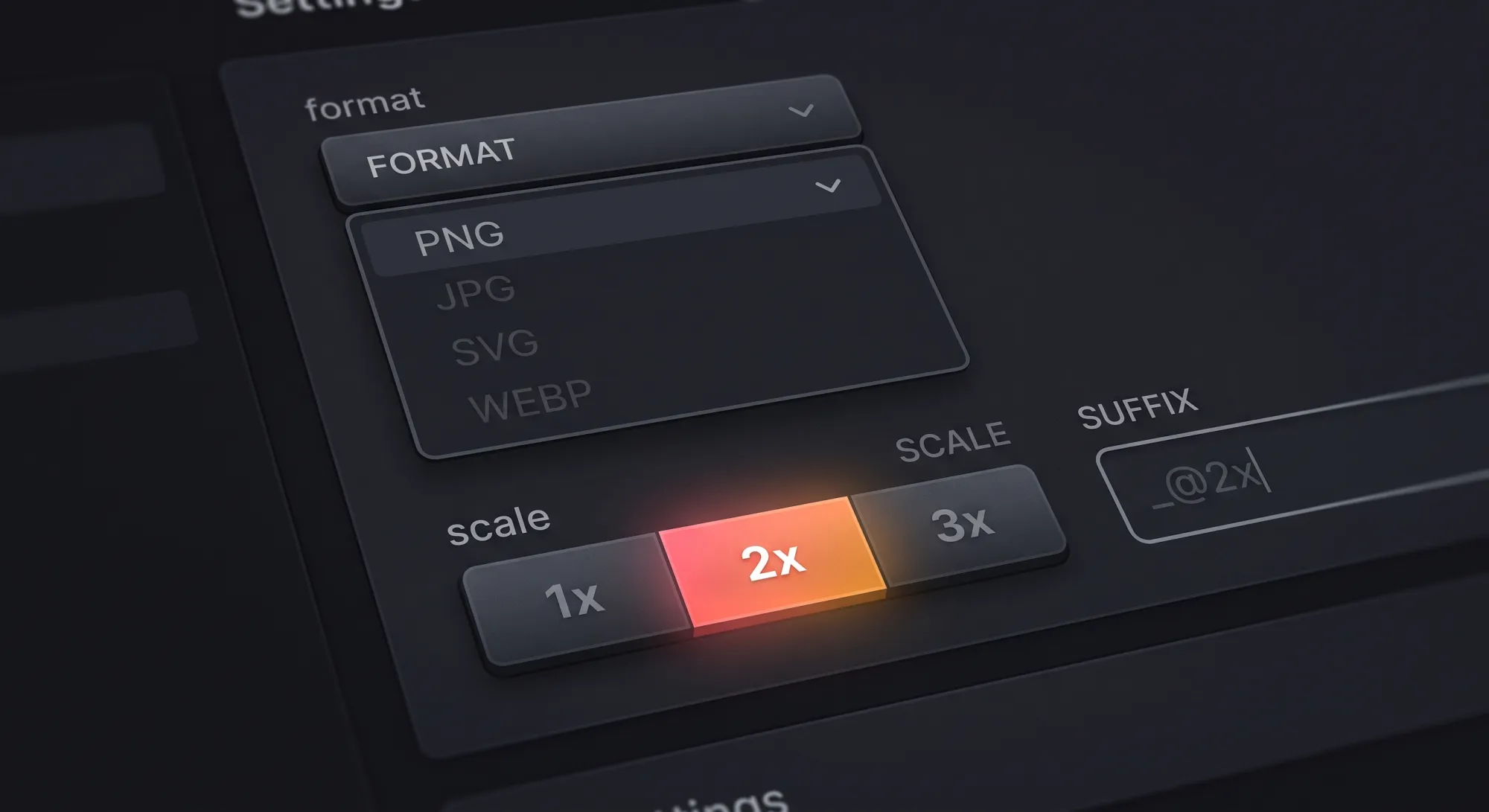
Figma Export Settings for the Web: Format, Scale & Quality Explained
What every option in Figma's export panel does, and the two defaults that quietly ruin web images.
-
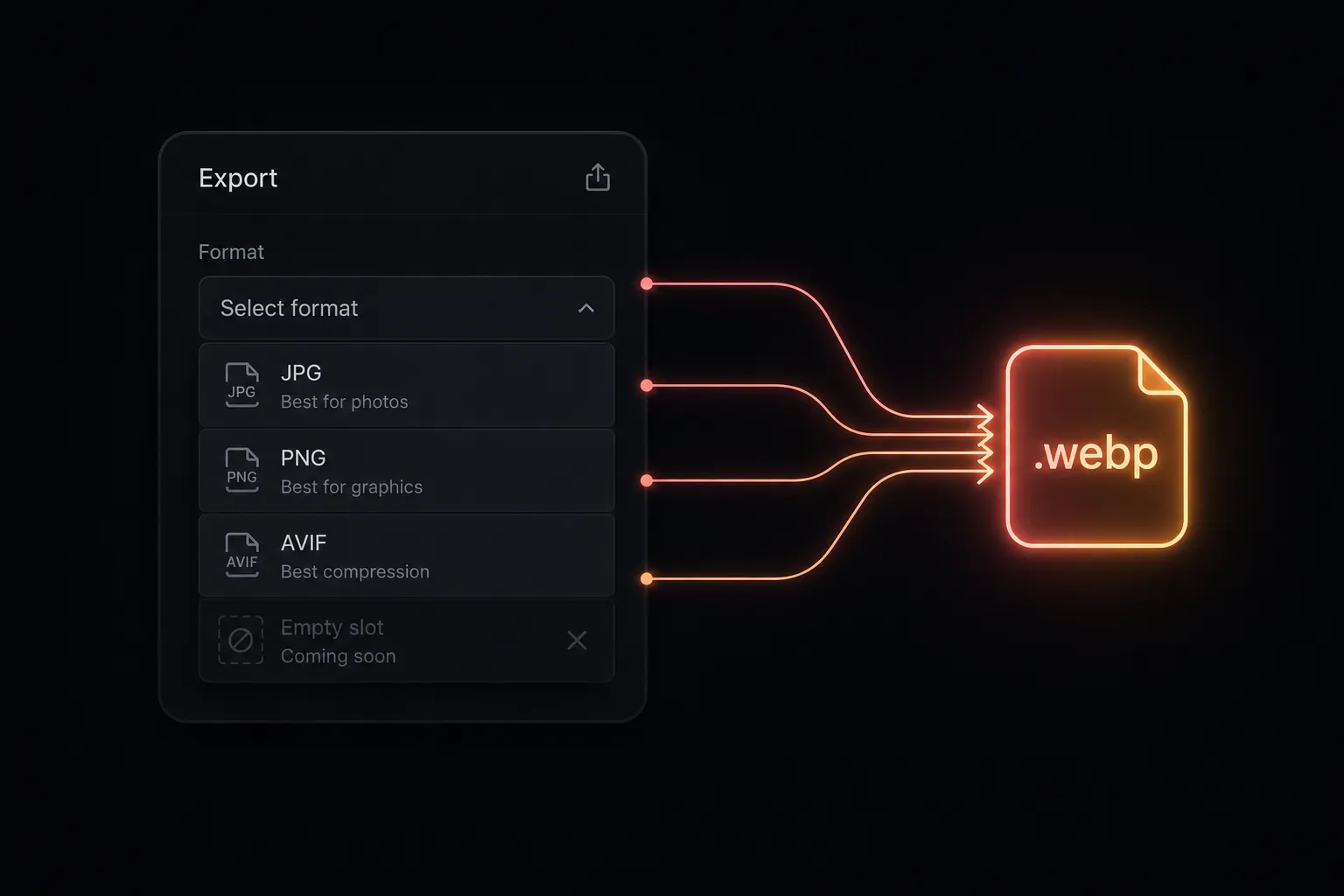
Can Figma Export WebP? No — Here Are 4 Ways to Get WebP Files Anyway
Four working routes to WebP from Figma, compared by effort and batch size — plus the WordPress gotchas that bite afterwards.
-

Bulk Upload Images to the WordPress Media Library: 4 Methods Compared
Drag & drop, FTP, WP-CLI, or direct from the design tool — honest trade-offs of each.
-
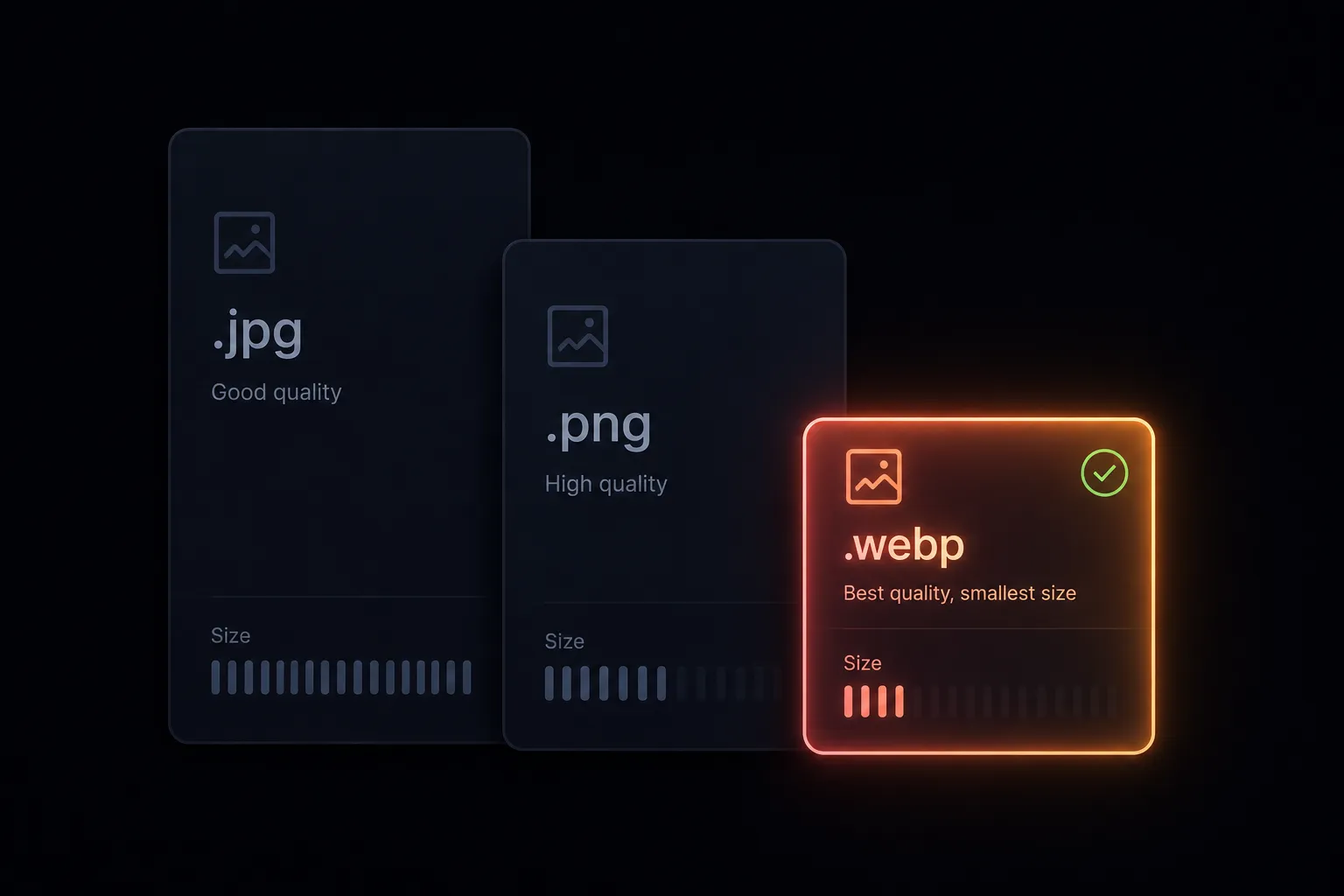
WebP vs PNG vs JPEG for WordPress: What to Use in 2026
When WebP wins, where PNG and JPEG still earn their place, and what AVIF changes.
-
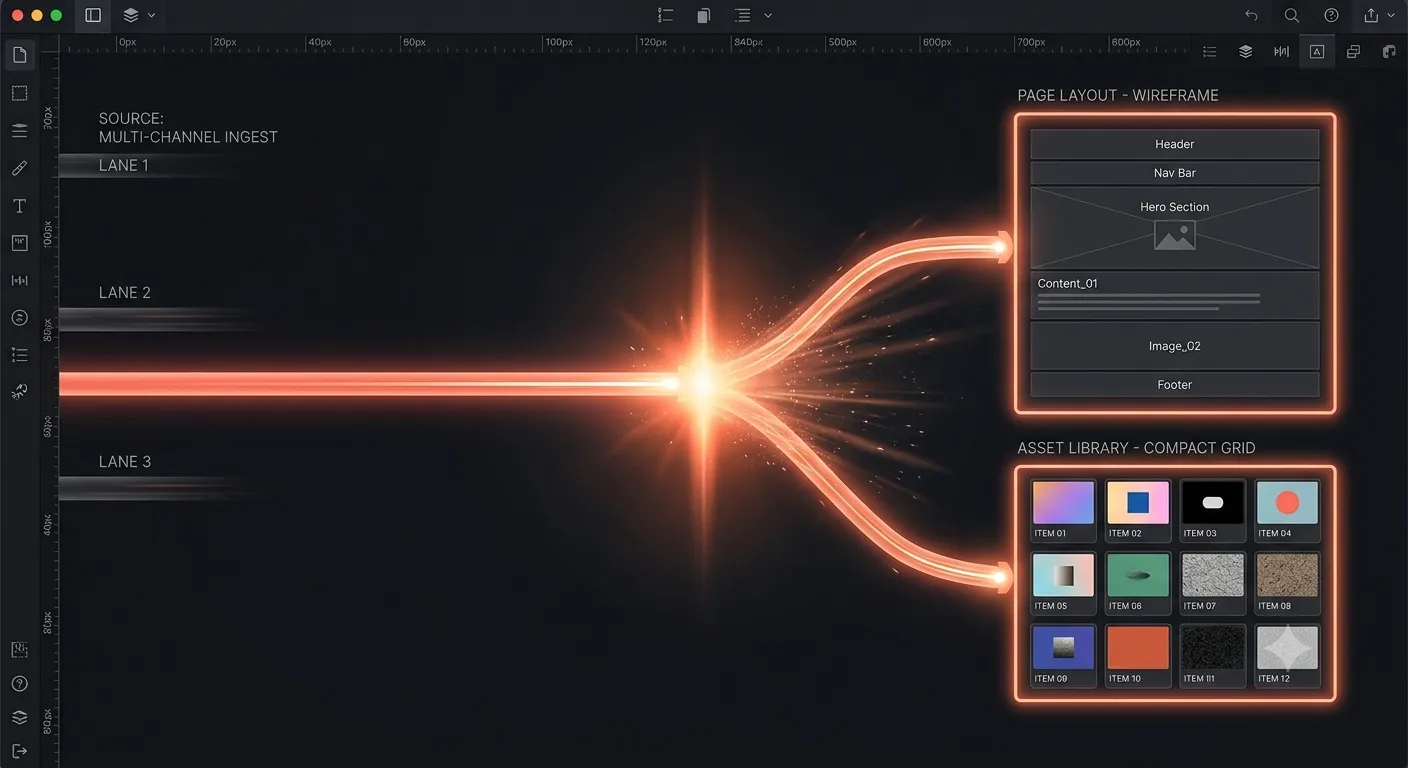
Figma to WordPress: Full-Site Converters vs. Asset Uploaders
Two different tool categories hide behind one search term. How to tell which your project needs.
-

Image Alt Text Workflow: From Figma Layer Names to WordPress SEO
Why most alt text never gets written, and the workflow change that produces it automatically.
-

A Designer's Handoff Checklist for WordPress Sites
Twelve checks before you mark the Figma file "ready" — naming, budgets, tokens, states, and who uploads what.