


Connect:
Connect Figma and WordPress in minutes.
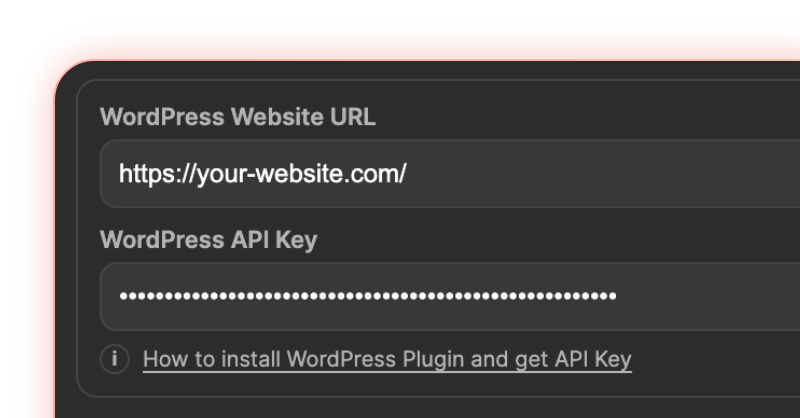
No exporting. No saving to your desktop. No drag-and-drop into WordPress. Select your layers, press upload — and a 20-image batch that takes ~17 minutes by hand is done in under a minute.

Connect:
Connect Figma and WordPress in minutes.
Configure:
Select layers and fine-tune export settings.
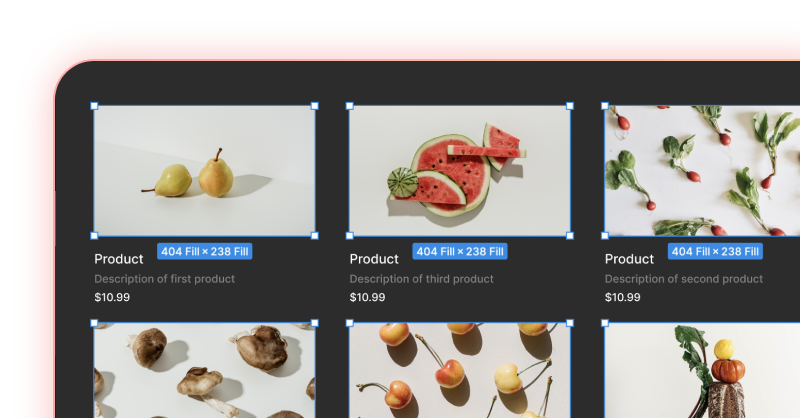
Upload:
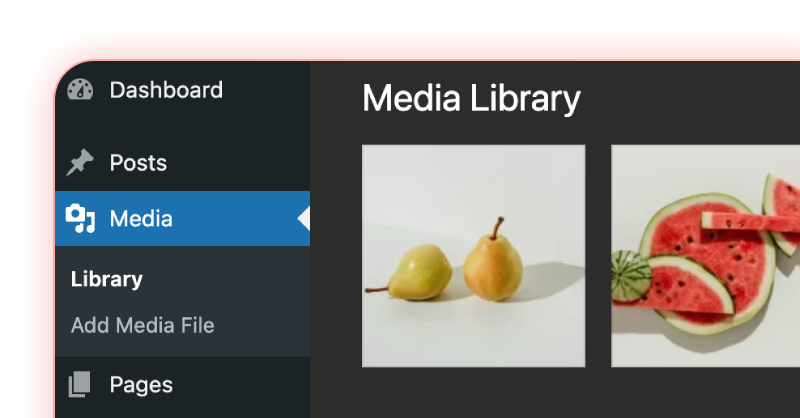
Upload everything to WordPress in one click.
The same job — twenty images — counted both ways.
≈ 50 seconds per image
≈ 3 seconds per image
Compression, resizing, format conversion and alt text all happen inside the same step. Nothing touches your desktop.
16 minutes back on every batch of twenty.
Estimates, not a lab benchmark — your numbers move with image size and connection speed.
From one-click uploads to precise export settings — built to eliminate manual steps.
Key benefits
Upload multiple files at once to WordPress Media Library for faster handoff between design and content teams.
Choose format, quality, crop mode, and dimensions — all configured before the upload starts.
Skip the export-save-upload cycle. Everything moves from Figma to WordPress in a single action.
Advanced features
Select the best format for performance, transparency, or compatibility in each upload batch.
Export exactly as cropped in Figma, or keep the original full-size image with no crop applied.
Set quality or compression from 1 to 100 to optimize file size before images reach WordPress.
Define max width and max height in pixels to avoid oversized media and control output before upload.
Start free, upgrade when you need advanced export control.
| Feature | Free | Pro |
|---|---|---|
| Images per upload | Up to 5 | Unlimited |
| Formats | PNG, JPG | PNG, JPG, WebP |
| Max width / height | No | Yes |
| Compression controls | No | Yes |
| Separate title / alt text | No | Yes |
Install both plugins and start sending optimized images from Figma directly to your WordPress Media Library.
Answers to common setup and workflow questions
for Figma to WordPress image upload.
Install tomatoSHIFT Image Uploader for Figma from the WordPress plugin directory, copy the API key it generates, and paste it with your site URL into the Fig2WP Figma plugin. From then on you select layers in Figma and press Upload — the images go to your Media Library without ever being saved to your computer. Full walkthrough in the setup docs, or the long-form Figma to WordPress workflow guide.
Uploading twenty images by hand takes roughly 17 minutes — exporting each layer, compressing it, then uploading it through WordPress admin one at a time. The same batch through Fig2WP takes under a minute, because selection, compression, resizing and upload all happen in a single step. See the full breakdown.
No — Figma's export panel offers only PNG, JPG, SVG and PDF. Fig2WP converts your exports to WebP in the browser before upload, so WebP files land in your Media Library with no separate conversion tool. We wrote a guide on getting WebP out of Figma if you want the detail.
Yes, both — and both are free. The Figma plugin exports your layers; the WordPress plugin, installable straight from the plugin directory, receives them and adds them to your Media Library. The WordPress side generates the API key that keeps the connection private to your site.
No. Images are posted from Figma straight to the WordPress site you configured, using the API key that site generated — they never pass through our servers. See the privacy policy.
Yes. It helps you set title and alternative text before upload, which supports clean media metadata and better accessibility.
Yes. Choose original mode to export the full-size image without any crop, or choose crop mode for frame-based output.
WebP, PNG or JPG, depending on the image and your browser support needs. Our guide on WebP vs PNG vs JPEG for WordPress covers when each one wins.
Yes. The plugin supports one-click batch upload to the WordPress Media Library — see how it compares to the other bulk upload methods.
Use quality or compression (1-100), set max width and max height, and pick a format such as WebP. The WordPress image size guide lists the export widths worth using.