A Designer's Handoff Checklist for WordPress Sites
Every messy WordPress build has the same origin story: the design was "done", the handoff took five minutes, and then the developer spent two weeks asking questions the file should have answered. Which font weight is this really? What happens to this table on mobile? Is this image a photo or a component?
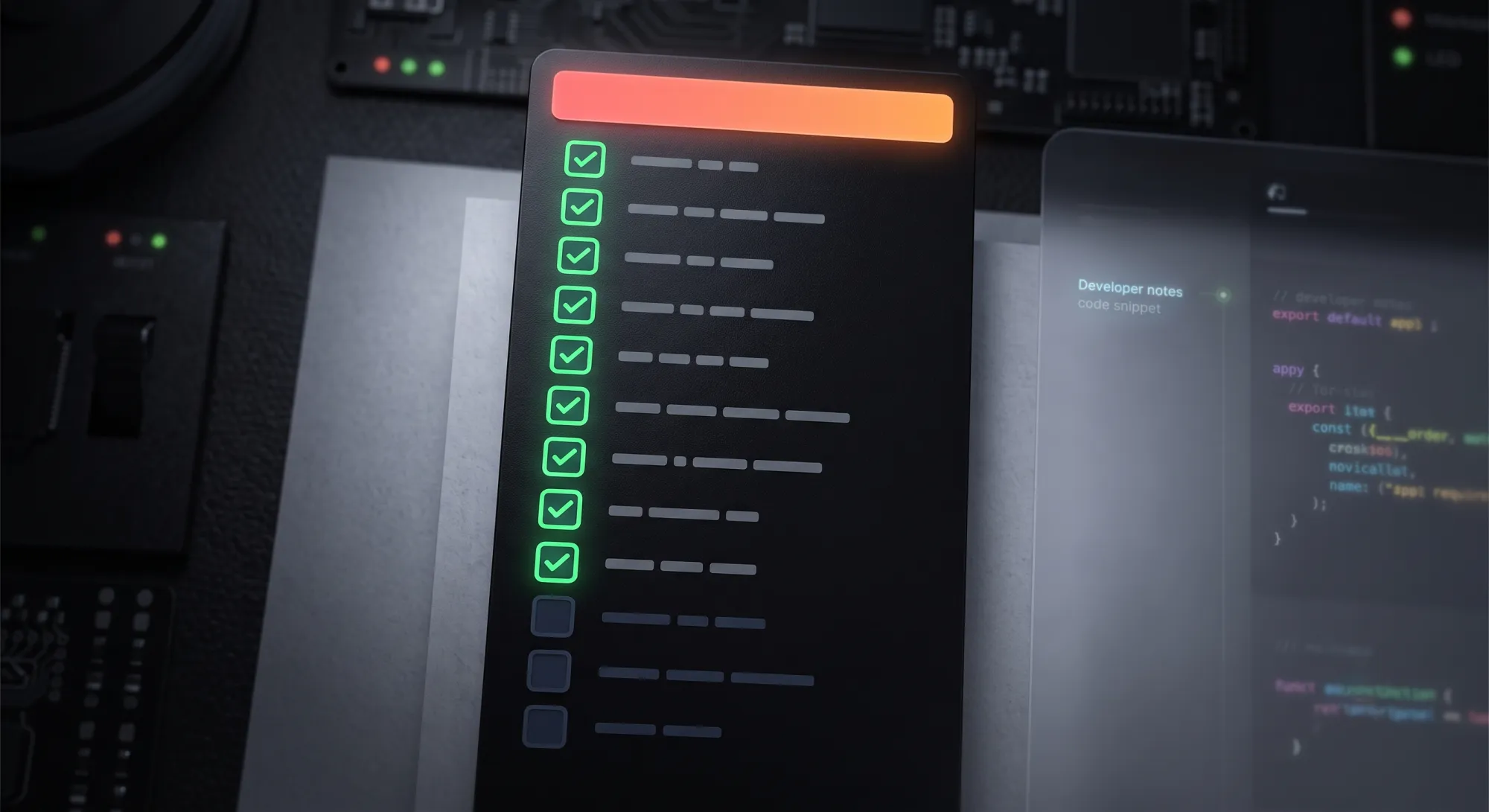
This checklist is the answer key, written from the WordPress side of the handoff. Run it before you mark the file ready. Twelve checks, roughly an hour, weeks of back-and-forth avoided.
Layers and structure
1. Name every exportable layer like a file name
Lowercase, hyphens, descriptive: hero-woman-potting-monstera, not Frame 482. Layer names become file names, file names become URLs, and URLs are read by Google. This one habit propagates through the entire pipeline — we wrote up why it's the cornerstone of the alt text workflow.
2. Mark what exports and what rebuilds
A developer looking at your design can't tell whether that pricing card is an image or something to build in Gutenberg. Add a section or emoji convention (📤 exports / 🔧 rebuild) so nobody rasterizes a thing that should be live text — or rebuilds a photo collage pixel by pixel.
3. Use real content, not lorem ipsum
WordPress layouts break on real content: long titles wrap, German words overflow buttons, a client's actual product name is twice the length of your placeholder. Test the design with the worst real string you can find before it becomes the developer's problem.
Images
4. Settle formats before export, not during
The rule of thumb: WebP for content images, PNG for fine-text screenshots, SVG for icons and logos. The reasoning is in our format guide. Note that Figma won't export WebP natively — plan the conversion step or use a tool that does it inline.
5. Set an image weight budget and write it down
Under 300 KB per content image, under 500 KB for the hero. A number in the handoff doc gets hit; "keep images small" doesn't. The hero image is almost always the Largest Contentful Paint element, so this budget is your PageSpeed score.
6. Export at 2x, and only 2x
1x looks soft on modern screens; 4x quadruples weight for nothing. The full reasoning is in the export settings guide.
7. Write the alt text now
You're the person with the most context about every image, and this is the moment you have it. One sentence per image, in the layer description or straight into the upload tool. Deferred alt text is unwritten alt text — the audit data on this is grim and unanimous.
8. Agree on who uploads, and how
The classic failure: designer exports a zip, developer re-compresses badly, uploads with default names, alt text dies in transit. Decide the pipeline once. If the team uses Fig2WP Image Uploader, the designer uploads finished, named, alt-texted WebP straight from the canvas to the Media Library — the zip, and every mistake inside it, stops existing. Batch details are in the bulk upload comparison. And don't assume Dev Mode settles this for you — developers can self-serve one asset at a time there, but not a batch.
Type, color, and behavior
9. Confirm font licenses cover web embedding
A desktop license is not a web license. Confirm the webfont license (or pick the Google Fonts fallback) before the developer discovers the problem at launch. List exact weights used — every weight is a file the visitor downloads.
10. Hand off tokens, not eyedropper targets
Export your color and spacing values as a short list: hex codes, font sizes, the spacing scale. In WordPress these become theme.json values, and a developer with a token list builds the theme once instead of eyedropping forty artboards.
11. Show the breakpoints, at least once
Not every screen — but one mobile version of each template, plus a note on what collapses (nav, tables, multi-column sections). "Figure it out" is a design decision too; it's just one made by whoever has the least context.
12. Design the boring states
Hover, focus, error, empty. A WordPress form has validation errors; a blog listing has a no-results state; every link needs a focus style for keyboard users. Five minutes per state in Figma, or improvised in CSS at 11pm — someone designs them either way.
The checklist, copy-paste version
- ☐ Exportable layers named lowercase-hyphenated
- ☐ Export vs. rebuild marked on every visual block
- ☐ Real content tested, worst-case strings included
- ☐ Formats decided (WebP / PNG / SVG per asset type)
- ☐ Image budget written down (<300 KB content, <500 KB hero)
- ☐ Everything exports at 2x
- ☐ Alt text written per image
- ☐ Upload pipeline agreed (who, with what tool)
- ☐ Webfont licenses confirmed, weights listed
- ☐ Color/type/spacing tokens exported as a list
- ☐ Mobile version of each template exists
- ☐ Hover, focus, error, empty states designed
Check items 4–8 off in one tool
Fig2WP Image Uploader handles the image half of this checklist: WebP conversion, quality control, 2x export, per-image alt text, and direct upload to the Media Library — from inside Figma.