
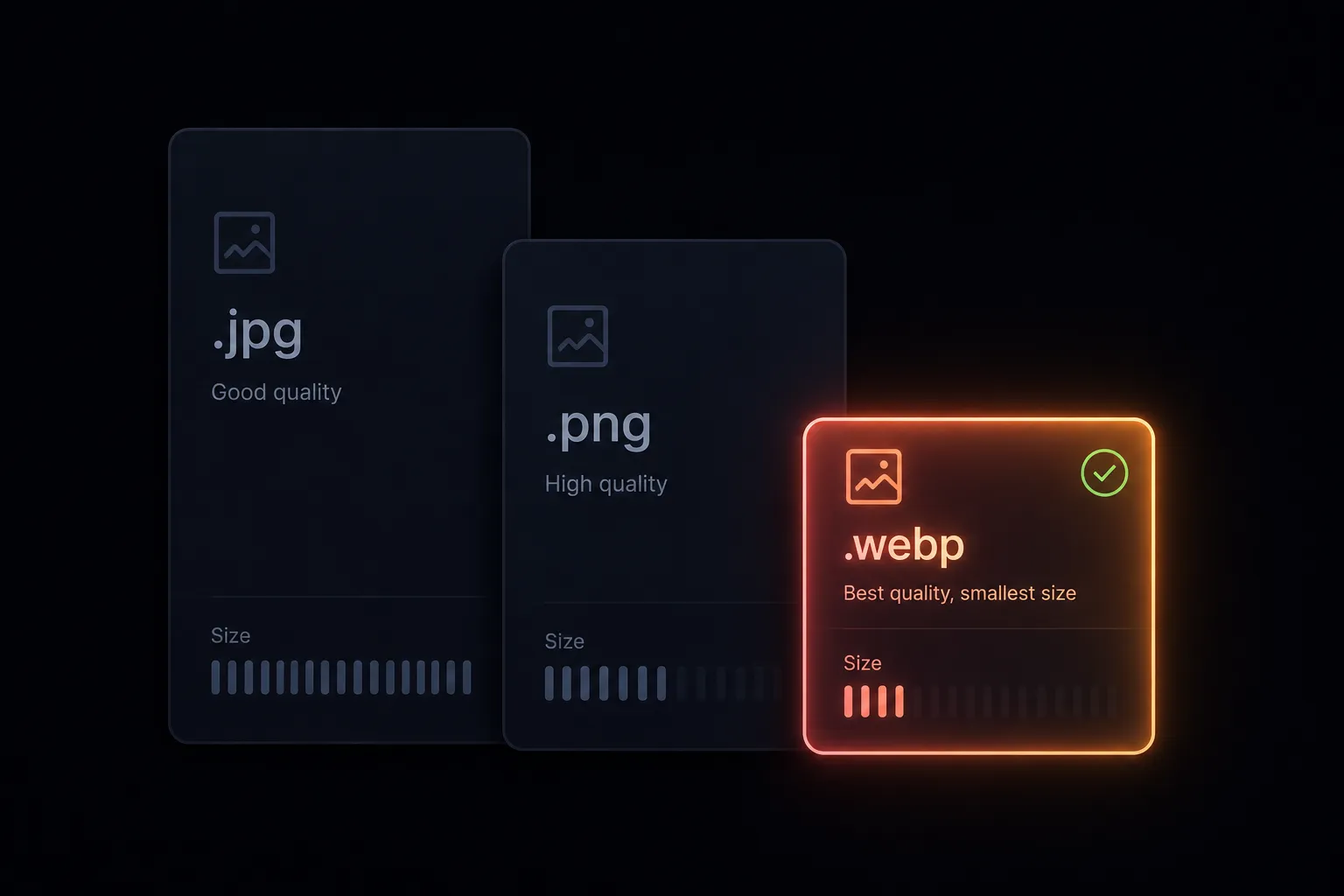
WebP vs PNG vs JPEG for WordPress: What to Use in 2026
Short answer: WebP for almost everything, PNG for screenshots with fine text, JPEG only when some legacy system forces your hand. That's the whole article in one line.
The longer answer is worth five minutes, because the "almost" hides a few cases that bite, and because knowing why makes the next format decision automatic instead of a search.
What each format actually is
JPEG (1992) compresses photos by throwing away detail your eye doesn't miss. It's everywhere, it's fine, and it has two hard limits: no transparency, and text edges turn to mush under compression.
PNG (1996) is lossless — every pixel preserved. That's why screenshots stay crisp, and why a photographic PNG can be five times the size of the same image as JPEG. It supports transparency, which made it the default for logos and cutouts for two decades.
WebP (2010, Google) does both jobs: lossy compression that beats JPEG by 25–35% at the same visual quality, lossless and transparency support that undercuts PNG dramatically. It's the "why not both" format, and since roughly 2020 there's been no browser-support reason to avoid it.
The numbers on a real image
A 1600×900 hero photo, exported from Figma and compressed sensibly, lands in this neighborhood:
| Format | Typical size | Transparency | Best for |
|---|---|---|---|
| PNG | 900 KB – 1.5 MB | Yes | Screenshots, lossless needs |
| JPEG (80%) | 180 – 260 KB | No | Photos, maximum compatibility |
| WebP (80) | 120 – 180 KB | Yes | Nearly everything |
Exact numbers vary by image, but the ordering never does. And the ordering is what Core Web Vitals sees: your Largest Contentful Paint element is very often a hero image, and shaving it from 1 MB to 150 KB is the single cheapest LCP win available.
Where PNG still earns its keep
One place, really: screenshots and UI images with small text. Lossy compression — JPEG or aggressive WebP — smudges letterforms in a way that reads as "blurry screenshot" instantly. Lossless PNG (or lossless WebP) keeps them crisp.
What PNG is no longer for is transparency. That habit dates from when WebP support was patchy. A logo cutout as PNG might be 80 KB; the same cutout as WebP is 15 KB and looks identical. If you're reaching for PNG because the image has a transparent background, reach for WebP instead.
Where JPEG still earns its keep
Compatibility corners: email clients (Outlook still won't render WebP), some social platforms' stricter upload endpoints, and export pipelines feeding systems you don't control. For images served on your own WordPress pages, JPEG no longer has a technical argument — just inertia.
What about AVIF?
AVIF compresses harder than WebP — sometimes another 20–30% off — and WordPress has accepted AVIF uploads since 6.5. If your pipeline produces it easily, it's a fine choice.
In practice the gap at sensible quality settings is smaller than benchmarks suggest, encoding is slower, and tooling is thinner — Figma-side support in particular is rare. WebP remains the pragmatic default; AVIF is an optimization to adopt when your tooling hands it to you for free, not one worth building a workflow around.
How WordPress handles each format
Since 5.8, WordPress treats WebP as a first-class citizen: uploads accepted, thumbnails and all registered sizes generated, srcset built automatically. PNG and JPEG have always worked. AVIF joined in 6.5.
One thing WordPress does not do is convert on upload — a PNG in, and every generated size is PNG too, bloat included. Conversion has to happen before or during upload. That's the gap Fig2WP Image Uploader closes for Figma users: layers convert to WebP (or PNG/JPG) with a quality slider inside the plugin, then land in the Media Library already in the right format. Figma itself can't export WebP at all — here's the full story on that.
The decision rule
- Photo or general content image? WebP at quality 75–85.
- Screenshot with fine text? PNG, or lossless WebP.
- Logo or icon? SVG if you have the vector; WebP if you only have pixels.
- Going into an email? JPEG.
- Unsure? WebP at 80. It's the right answer often enough that guessing it is a strategy.
FAQ
Is WebP better than JPEG for WordPress?
For images served on your own pages, yes — smaller files, same visual quality, transparency support, and native WordPress handling since 5.8.
When should I still use PNG?
Screenshots and anything where lossy compression visibly damages fine text. Not for transparency — WebP does that smaller.
Should I convert my existing Media Library to WebP?
Low priority. Recompressing old JPEGs yields modest savings and can stack compression artifacts. Focus on uploading new images as WebP so every new page starts light.
Right format, from the first upload
Fig2WP exports your Figma layers as WebP, PNG, or JPG — quality slider included — and uploads them straight to the WordPress Media Library. New images arrive light by default.